How to Lock Instagram Profile Picture in 2025?
Your Instagram profile picture might seem harmless, but it’s a goldmine for misuse. Strangers can download it, share it, or even pretend to be you online, putting your digital identity at risk.
Curious to keep your account photo safe? Many users want to learn how to lock their Instagram profile picture and maintain control over their online presence. Read on to discover simple yet effective ways to protect and take charge of your Instagram DP privacy today!
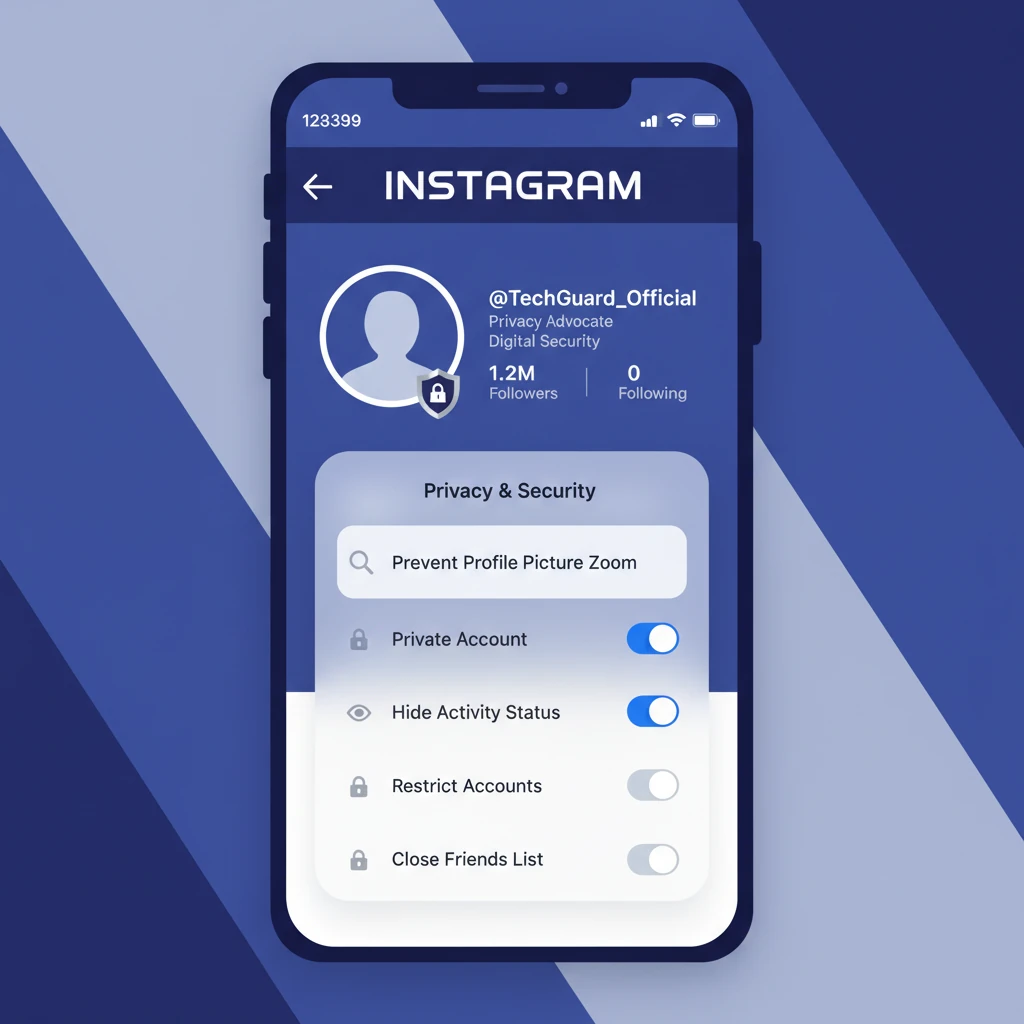
(5) Methods to Lock Instagram Profile Picture
Instagram doesn’t offer one single feature to “lock” your profile image or DP (display picture). Nevertheless, by using multiple privacy tools and proven methods, you can significantly reduce the risk of misuse.
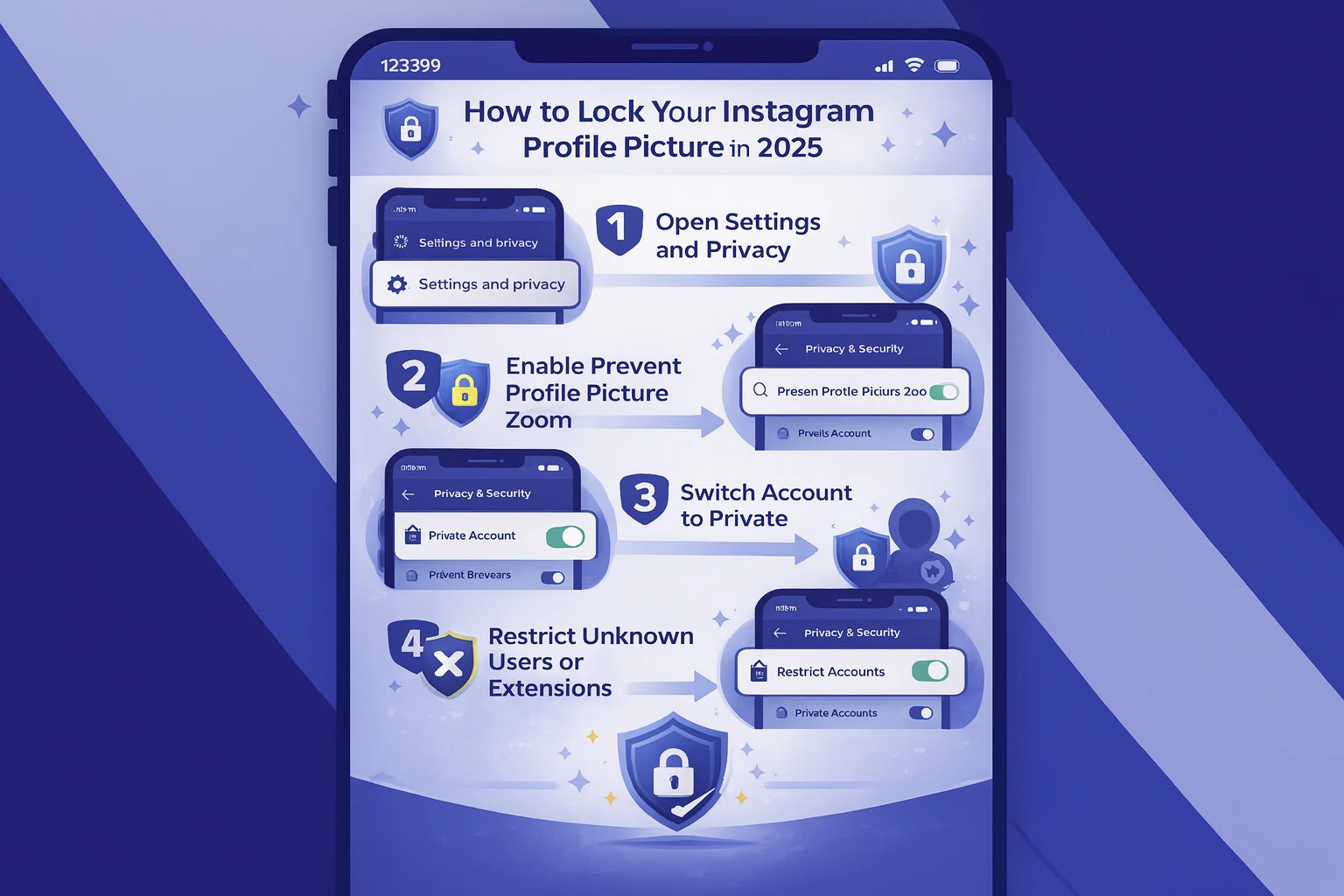
· Turn Off Instagram Profile Picture Zoom
Depending on your app version, Instagram sometimes provides a privacy setting to prevent the profile picture from zooming. Check for this feature:
- Open Instagram and go to your profile.
- Tap the menu icon.
- Select Settings and Privacy.
- Look for an option like “Prevent Profile Picture Enlargement” or “Don’t Allow Profile Picture Zoom.”
- Toggle it on.
Note: Not all users have this feature yet; the app updates can vary by region and account type. So, not everyone can lock their Instagram profile picture with this method.
· Use Instagram Account to Private (iPhone & Android)
The most effective way to lock your Instagram profile picture is to make your account private. When your account is private:
- Only approved followers can view your posts and your Instagram DP in full resolution.
- People who don’t follow you will only see a small, blurred preview of your content.
Get data about protecting your Instagram profile picture by setting your account to private and sharing only photos you’re comfortable with others seeing:
- Tap the symbol for your profile in the lower-right corner.
- In the upper-right corner, select the three horizontal lines (menu).
- Navigate to Privacy under Settings.
- Make sure the Private Account option is turned on.
This simple change immediately restricts your profile picture visibility to only your approved followers, enhancing your Instagram DP privacy.
Pay attention to this tip if you also want to manage links on your profile for better control. Here’s a guide on how to undo or remove a link on your Instagram bio.
· Hide Your Instagram DP from Non-Followers
If you don’t want strangers to even get a glimpse, try these tips to hide your Instagram profile picture:
- Avoid posting your profile image publicly: in order to lock Instagram profile picture, don’t share your DP in feed posts or public stories.
- Use Close Friends for Stories: This feature lets you share certain content, including your DP, with a select group only.
This is one of the simplest ways to hide your Instagram DP from strangers without changing your overall account status.
Protecting your profile picture is a smart step to keep control over your identity on Instagram. But beyond safety, many users also explore how to use Instagram strategically for growth. To learn more about this, check out the benefits of advertising on Instagram in 2025 and see how privacy and promotion can work together.”
· Restrict Profile Picture Zoom using Third-Party Apps
Some external tools claim to offer advanced Instagram DP privacy settings, such as blurring or locking it. However:
- These are not official Instagram features.
- You must be careful about granting permissions to unknown apps.
If you choose to use one, select a well-reviewed tool from a trusted source.
· Avoid Using High-Resolution Personal Photos
Your Instagram profile picture is often the first impression you make online. However, uploading a clear, high-resolution profile pic can increase the risk of misuse. In addition, with Instagram’s privacy settings, third-party tools can show your profile picture in full size.
To protect your privacy to lock Instagram profile picture:
- Use low-resolution images instead of clear headshots.
- Opt for logos, avatars, or slightly blurred photos to reduce misuse risk.
With the help of this practical tip, keep your profile picture safer from unauthorized downloads and impersonation.
Not that some users choose minimal visibility for safety, while others focus on growth and discoverability. If that’s your path, using the right hashtags matters. So, try to learn more about effective hashtags for Instagram Reels.
Who Can Use the Instagram Profile Photo Lock Feature?
The platform is gradually rolling out the Instagram profile photo lock feature to enhance user Instagram profile picture privacy and control. However, this setting is currently available depending on your device and account:
- iOS Users: The Instagram profile photo lock option is more widely available on iPhones, likely due to Meta’s faster feature integration with Apple devices.
- Android Users: The rollout is slower, so many Android users may not yet see the feature in their Instagram privacy settings.
- A/B Testing: Instagram often tests new privacy tools with select accounts, meaning beta testers or some users may gain early access to locking profile photos.
If you don’t see the lock Instagram profile picture option yet, keep your app updated; this feature may appear soon.
Is It Possible Someone Download Your Instagram Profile Picture?
Even with Instagram’s privacy features, it’s important to understand that you cannot completely prevent others from downloading your Instagram profile picture. This limitation impacts overall privacy.
Suppose that if your account is private, someone determined can still take a screenshot. Additionally, the online tool’ Instagram DP Downloader allows users to quickly download profile pictures in full size.
To protect your privacy, avoid using sensitive or personal photos as your profile image.
Consider that if you are curious about the DP profile photos and want to have them, some users even rely on different Instagram downloader tools, such as turbodownloader, to view or save profile images in full size. That’s why it’s crucial to lock your Instagram profile picture and protect your digital identity.”
Conclusion
Protecting your profile picture is key to maintaining control over your online presence and keeping your personal images safe from misuse, unauthorized downloads, or impersonation.
Take proactive steps, ensure your Instagram avatar stays secure and remains private, giving you peace of mind in the digital world.
Have you tried disabling Instagram profile picture zoom? Did it help protect your DP? What methods do you use on our topic, “How to lock Instagram profile picture?” Let us know in the comments!
